
Starter
For occasional photo fixes.
$99/ year
$8.25 / month
500 credits / month
Up to 50 photo fixes / month
- AI exposure correction
- Private photo processing
- High-resolution downloads
Upload one or more photos. AI reduces excessive brightness, balances highlights, and restores natural-looking exposure where possible.
Upload a Photo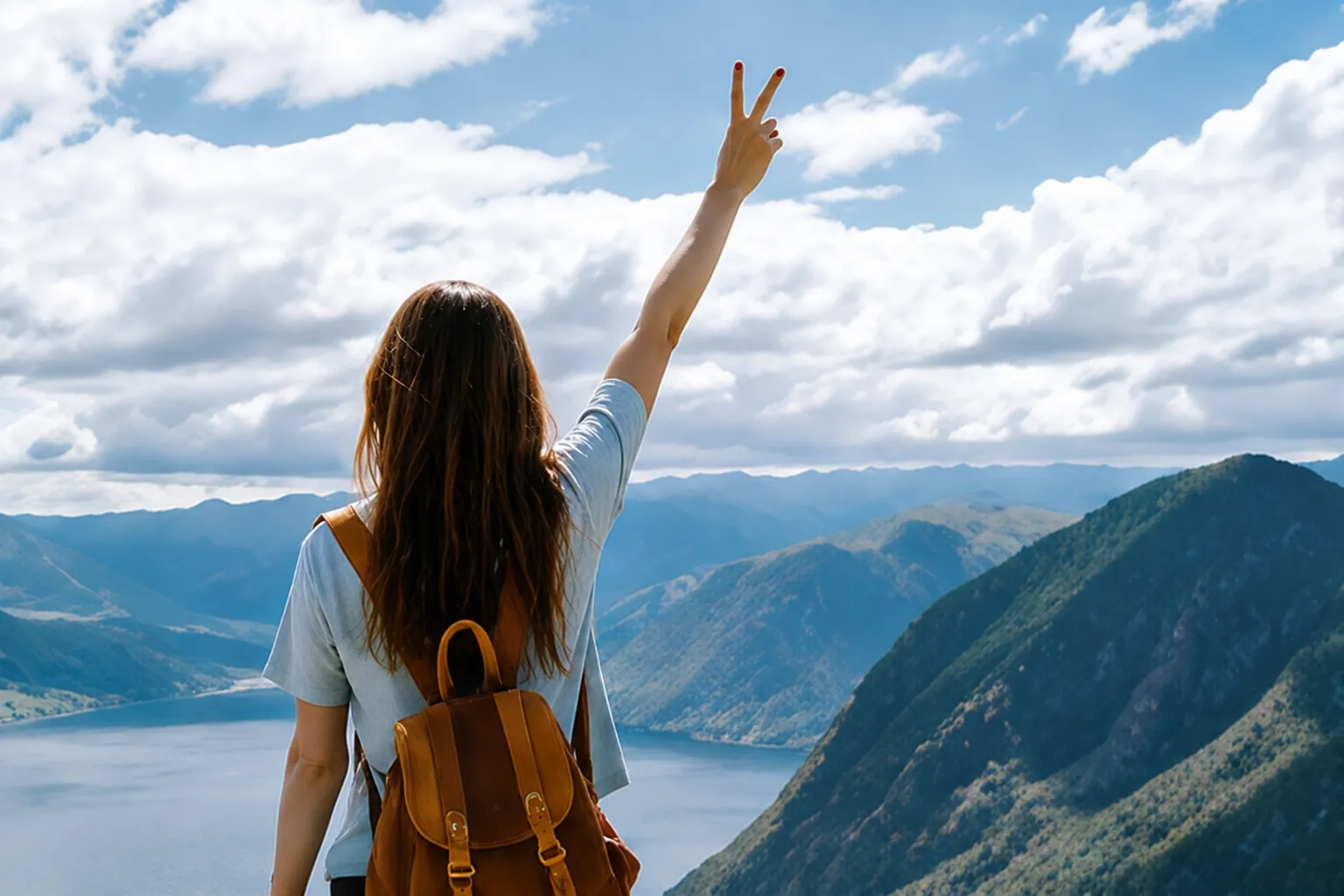
Start with 30 free credits. No payment required.
Drag and drop photos here, or click to browse
Supports JPG, JPEG, PNG and WebP · Upload one or multiple photos
JPG, PNG and WebP
30 starter credits
Original vs fixed comparison
Watermark-free downloads
Quick answer
To fix an overexposed photo, upload the image, reduce its brightest areas, rebalance overall exposure, and compare the result with the original. Our AI tool handles these adjustments automatically, so you do not need to edit curves, masks, or individual color channels by hand.
The best results come from photos that still contain some visible detail in bright areas. If a region is completely white with no recorded texture, no editor can recreate the exact missing information. AI can still reduce glare, improve surrounding tones, and make the photo look more balanced.
Real corrections
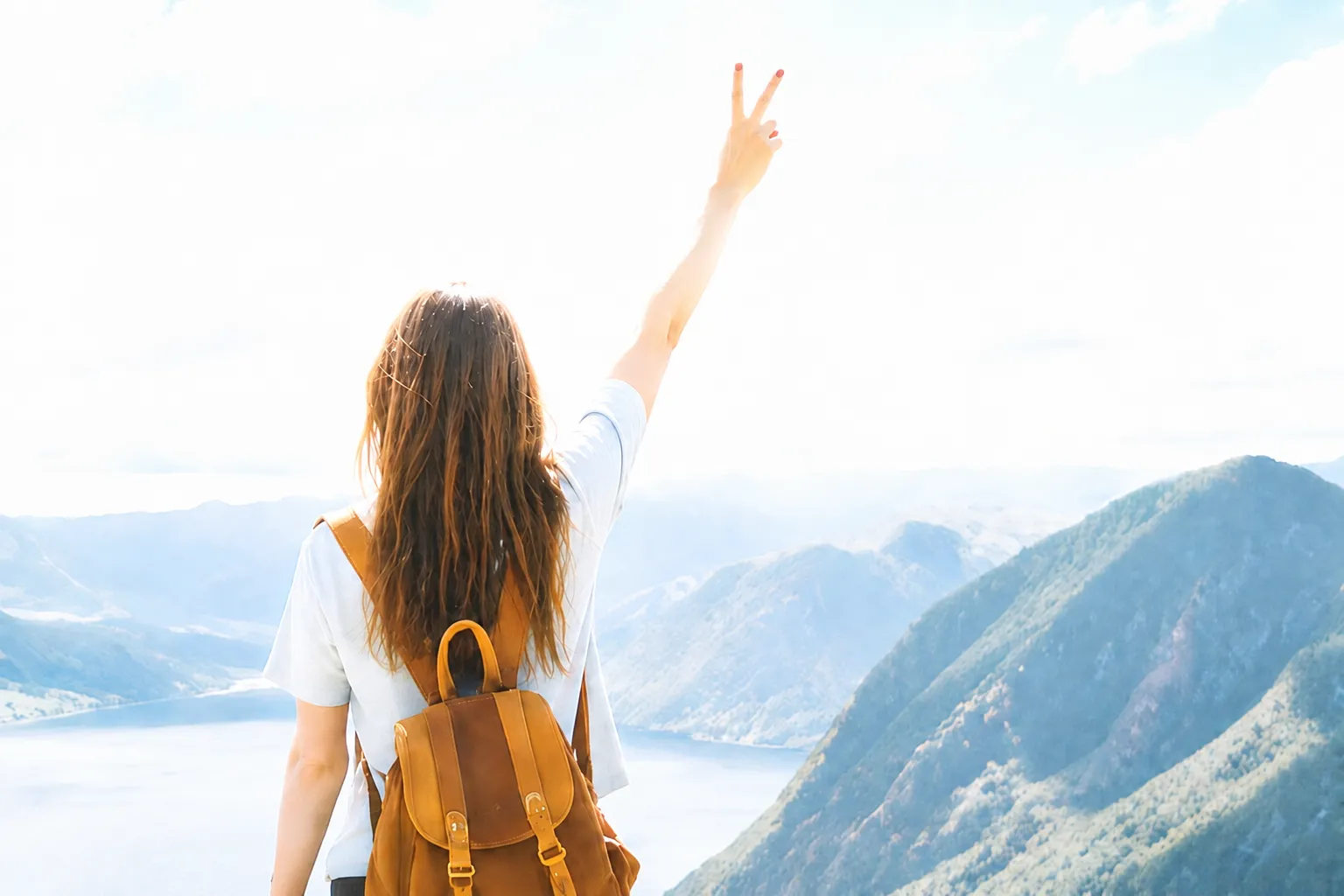
Drag the handle to compare each original photo with its corrected result, then switch between common exposure problems.
Simple workflow
The tool analyzes the full image, corrects the exposure, and gives you a comparison before you download.
Choose one or more JPG, JPEG, PNG, or WebP images. A high-resolution original usually gives the AI more detail to work with.
Each photo is processed as an independent task. The model reduces excessive brightness, balances highlights and midtones, and aims to preserve natural skin and scene colors.
Drag the before-and-after handle to inspect the correction, then download the fixed photo when the result looks right.
Common causes
Overexposure happens when a camera records more light than the scene needs. These situations commonly produce washed-out highlights and low contrast.
A bright window or sky can push the background toward white while the camera tries to expose the subject.
Direct flash can remove facial detail, wash out skin tones, and create harsh bright patches.
Snow, sand, water, and pale walls reflect extra light and can overwhelm automatic exposure.
A slow shutter speed, wide aperture, high ISO, or positive exposure compensation can make the whole frame too bright.
Honest expectations
Often, yes. The amount of recoverable detail depends on what the camera recorded before the highlights were clipped.
AI can create a more natural-looking balance around clipped areas, but it should not be confused with recovering detail that never existed in the file.
Each exposure correction uses 10 credits. Choose a subscription for regular use or buy a one-time credit pack.
For occasional photo fixes.
$8.25 / month
500 credits / month
Up to 50 photo fixes / month
The best value for regular photo work.
$16.58 / month
1,500 credits / month
Up to 150 photo fixes / month
For teams with higher processing volume.
$41.58 / month
4,000 credits / month
Up to 400 photo fixes / month
Frequently asked questions
Upload a photo, correct excessive brightness, and compare the result in a few simple steps.