
Photo problem
Fix a Backlit Photo with AI
Balance a bright background and a shadowed subject without making the face flat or turning the sky white.
Fix This Photo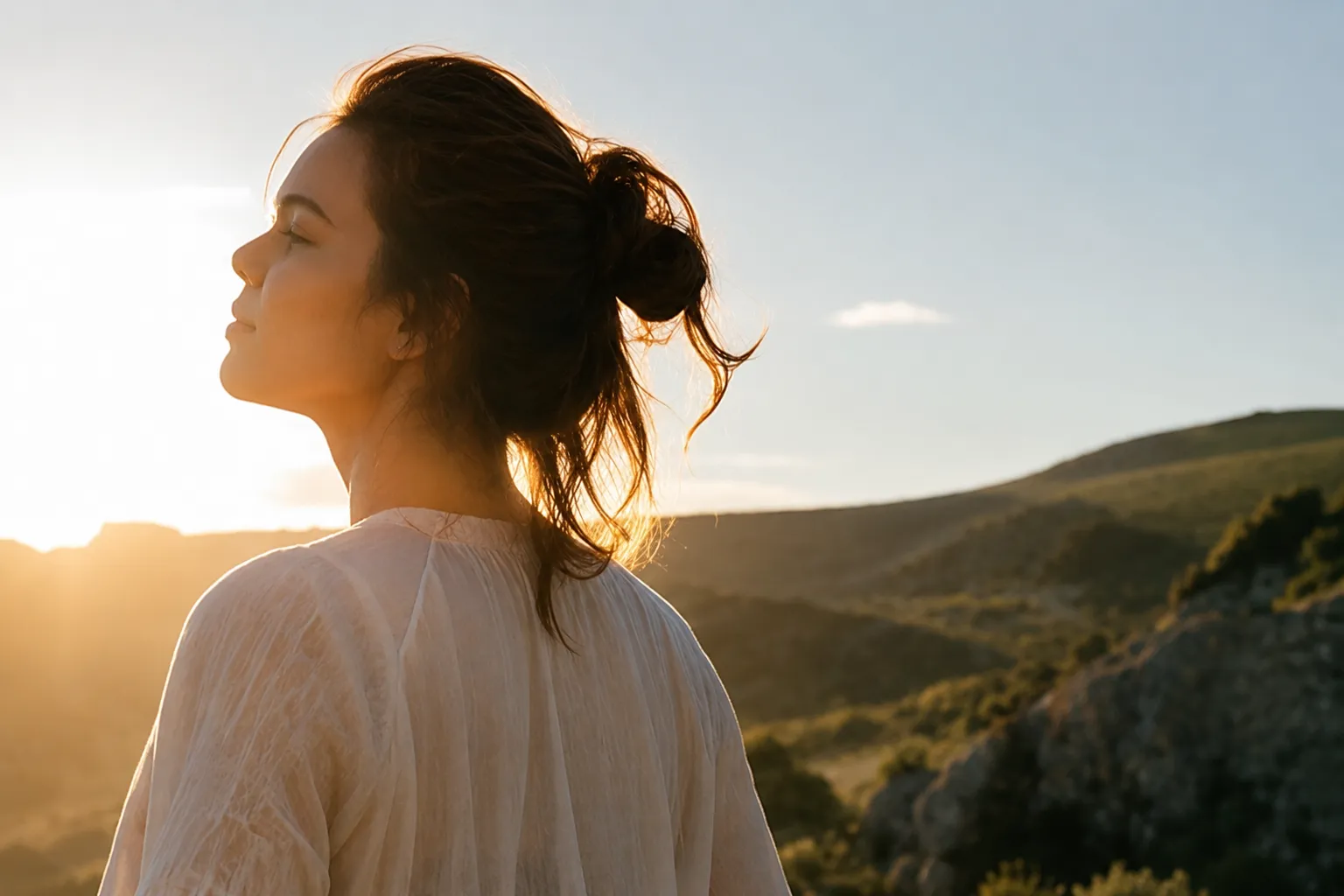

Balances bright windows and skies with darker subjects
Lifts faces without flattening skin tone
Controls halos around hair and high-contrast edges
Useful for portraits, interiors, and travel photos
Quick answer
To fix a backlit photo, reduce the background highlights while lifting the subject selectively. A single exposure slider usually cannot solve both sides of the frame, so the correction needs local tonal balance.
Start with 30 free credits. No payment required.
Upload Overexposed Photos
Drag and drop photos here, or click to browse
Supports JPG, JPEG, PNG and WebP · Upload one or multiple photos
Why backlit photos are hard to expose
Backlighting places the brightest light behind the subject. If the camera exposes for the background, the subject becomes a silhouette. If it exposes for the face, the sky or window may turn white.
Modern cameras can record enough range to improve both sides later, especially in RAW. Compressed phone and social-media files may have less highlight and shadow information, but balanced correction can still improve the image.
How to correct a backlit portrait
Start by protecting the bright background. Lift the face and clothing locally, then restore enough contrast that the subject keeps shape. Check hair edges for halos and avoid lifting shadows until they look noisy or gray.
The AI tool uses the whole frame to guide the correction. Compare the face, background, and edge transitions before choosing the result.
- Keep highlight color in the background where possible
- Lift the subject more than the entire image
- Protect skin color from becoming orange or pale
- Accept some silhouette when it matches the scene
Prevent backlighting problems while shooting
Move the subject away from a bright window, change your angle, use exposure compensation, or add gentle fill light. On a phone, tap the face and lower or raise the exposure until both the face and background remain usable.
When the contrast is extreme, capture more than one exposure. A slight change in angle can also hide the strongest light source behind the subject.
Frequently asked questions
Questions about fix backlit photo
Fix excessive brightness in your own photo
Upload the original image, compare the corrected exposure, and keep the version that looks natural.
Upload a Photo