
Photo problem
Fix Blown Out Photos with AI
Reduce harsh white highlights and rebalance a blown out sky while keeping the subject and scene natural.
Fix This Photo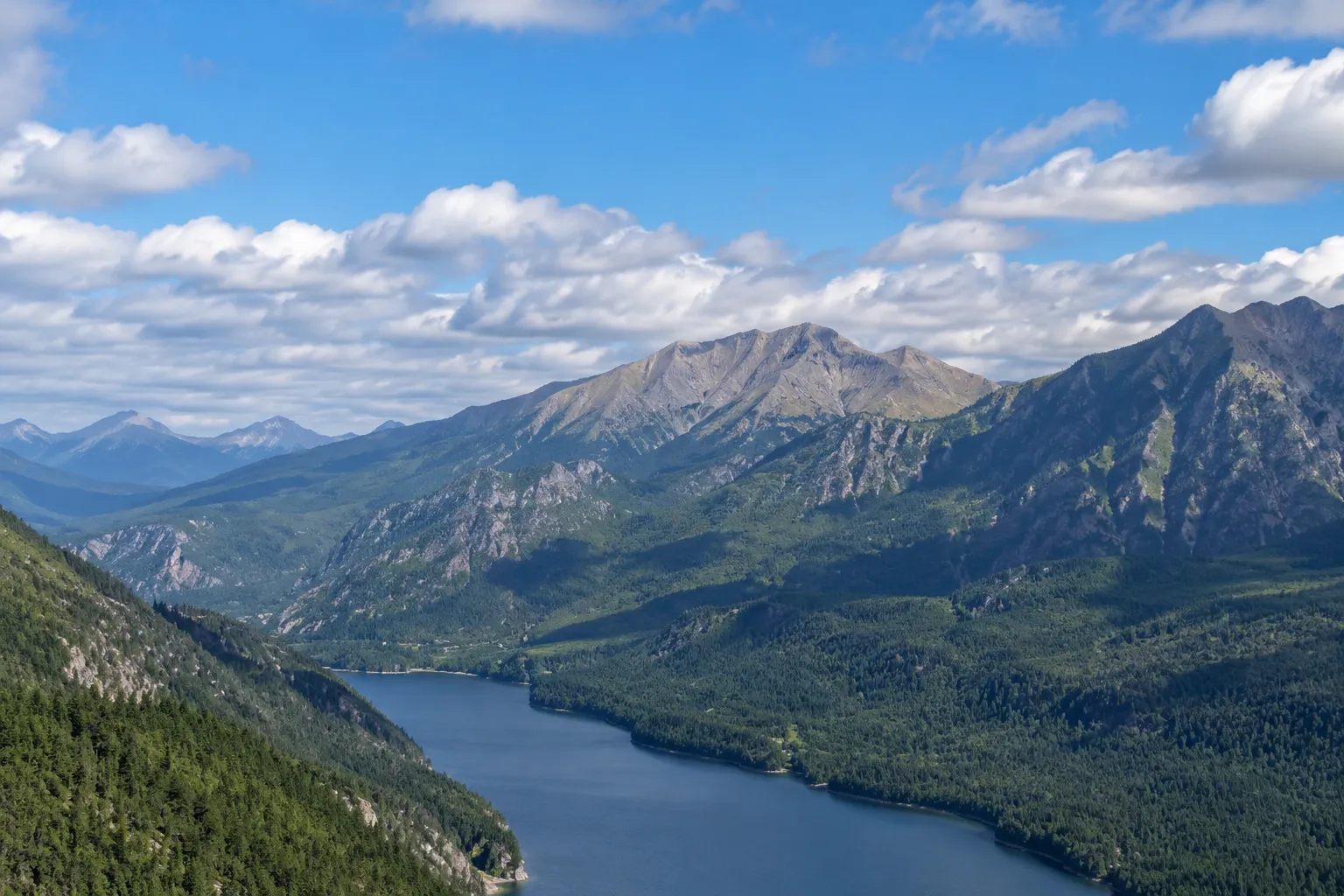
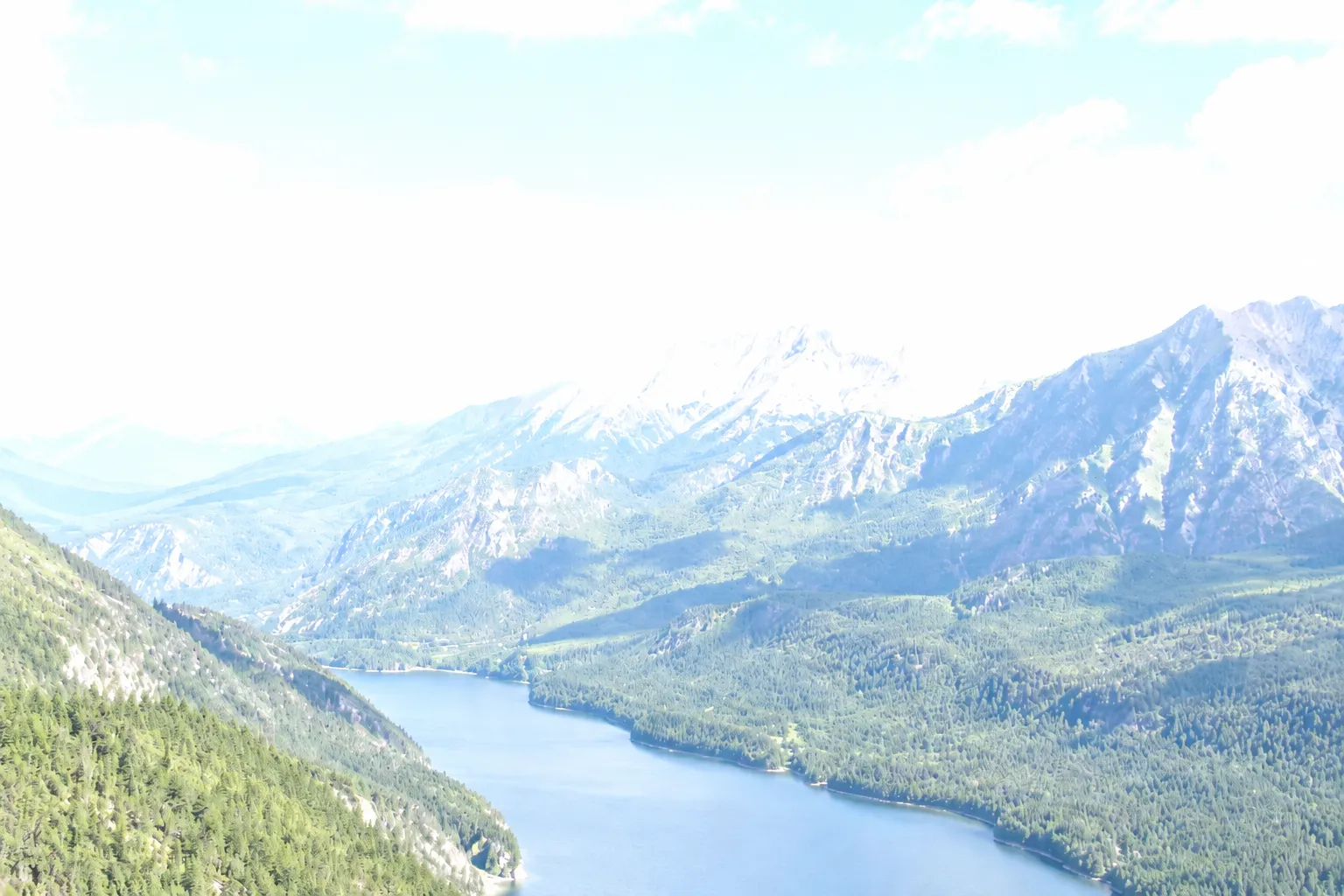
Best for white skies and clipped-looking highlights
Balances brightness without flattening the whole photo
Works with JPG, PNG, and WebP files
Keeps the original file unchanged
Quick answer
A blown out photo can often be improved by reducing the brightest areas, rebuilding contrast around clipped highlights, and balancing the sky against the subject. Exact detail cannot be recovered from pure white pixels, but a more natural-looking result is still possible.
Start with 30 free credits. No payment required.
Upload Overexposed Photos
Drag and drop photos here, or click to browse
Supports JPG, JPEG, PNG and WebP · Upload one or multiple photos
What a blown out photo actually contains
A blown out photo has areas that are so bright they appear white or nearly white. The problem is most obvious in skies, windows, pale clothing, and reflective water. Those areas may still contain faint color and texture, or they may be fully clipped with no original detail left.
Correction works best when the bright region retains some information. AI can lower perceived brightness, rebuild local contrast, and make transitions around the highlight look less abrupt. It cannot reproduce the exact cloud or texture that the camera never recorded.
- Faint blue or gray in a white sky usually means useful data remains
- Visible edges inside a highlight are easier to preserve
- A flat block of pure white has limited recoverable information
How to fix blown out highlights online
Upload the highest-quality version of the photo to the tool on this page. Run the correction, then drag the comparison handle across the sky and other bright areas. Look for a natural transition from highlights into midtones rather than a uniformly dark result.
If the first correction is too strong, use the original as your reference. A believable sky should still match the direction and color of the light on the subject.
- Use the original file instead of a social-media screenshot
- Inspect faces and pale objects as well as the sky
- Download the corrected copy only after checking edge halos
When a white sky can and cannot be recovered
A nearly white sky can often regain tone, separation, and a better relationship with the foreground. A completely clipped sky cannot yield its original cloud detail. In that case, correction focuses on reducing glare and making the surrounding image more coherent.
For future photos, expose for important highlights, check the histogram, or capture RAW when the scene has a very bright sky and a darker foreground.
Frequently asked questions
Questions about blown out photo
Fix excessive brightness in your own photo
Upload the original image, compare the corrected exposure, and keep the version that looks natural.
Upload a Photo