
Exposure comparison
Overexposed vs Underexposed Photos
See how too much and too little exposure affect detail, color, noise, and the options you have in editing.
Fix an Overexposed Photo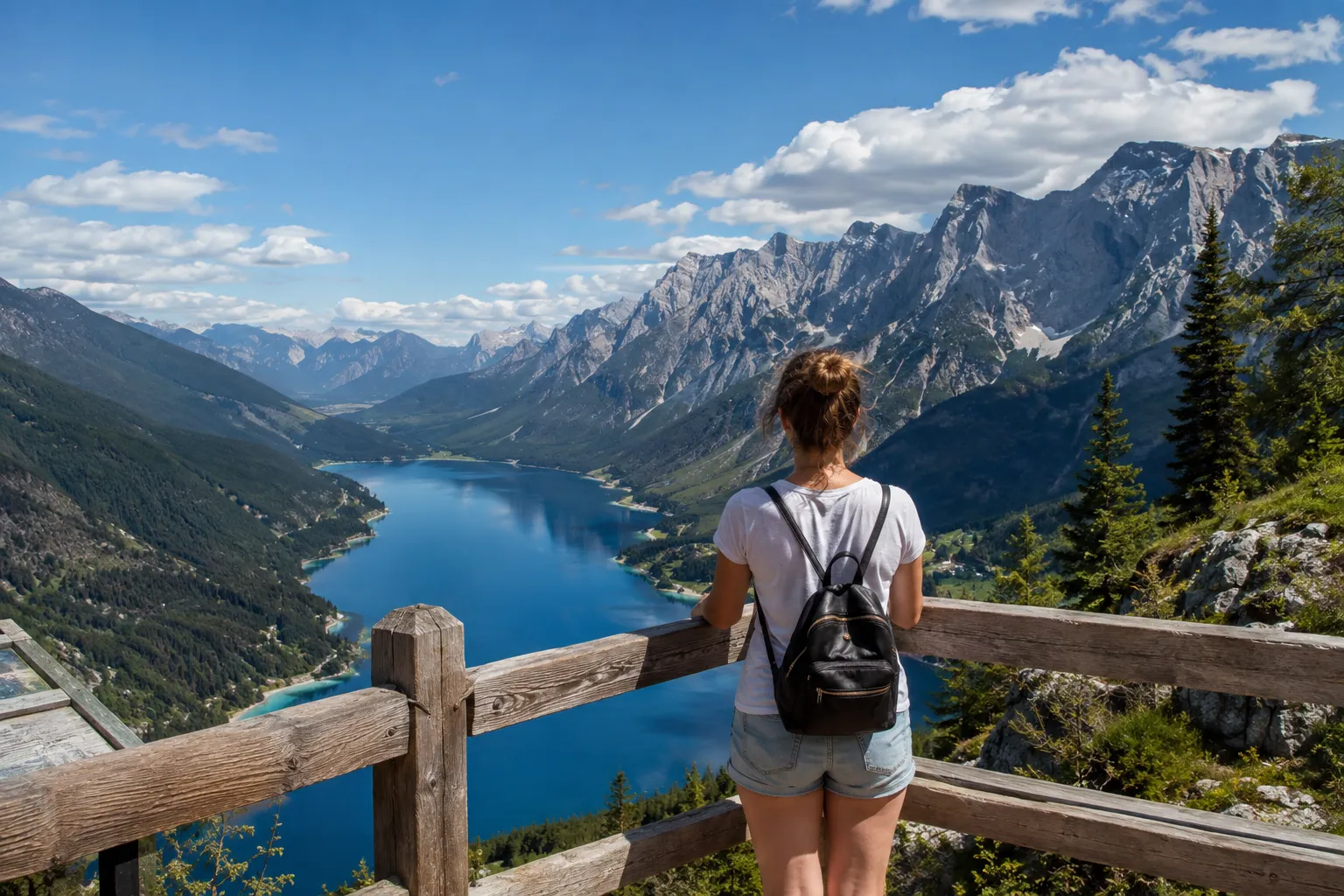
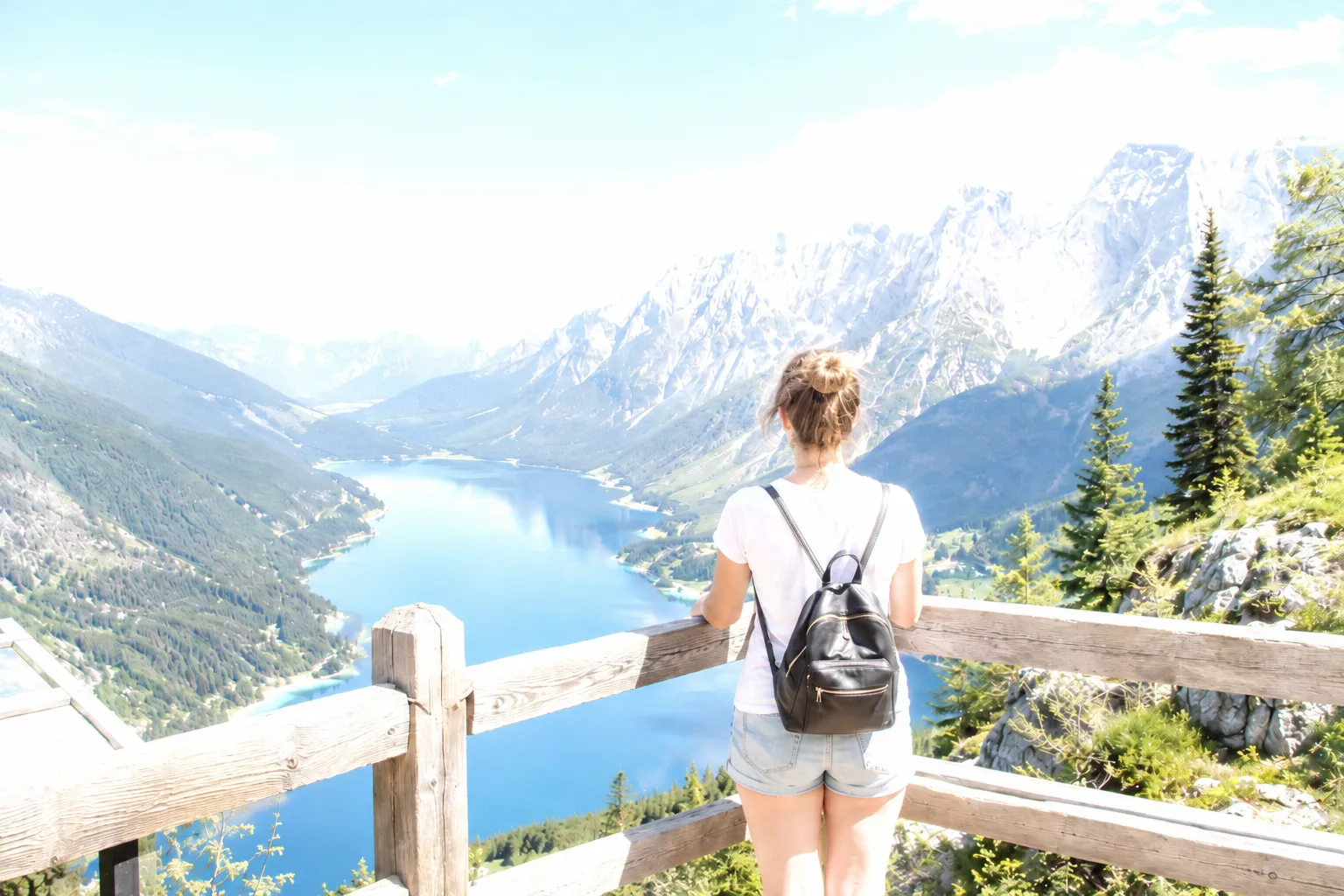

Overexposure threatens highlights
Underexposure threatens shadows and increases visible noise
RAW provides more latitude on both sides
The important subject should guide the exposure choice
Quick answer
An overexposed photo is brighter than intended and may lose highlight detail. An underexposed photo is darker than intended and may hide shadow detail or show noise when brightened. The better file is the one that preserves the most important information for the scene.
What overexposure loses
Overexposure pushes bright tones toward white. Color weakens, texture disappears, and a clipped region may contain no original detail. Pulling exposure down can reveal retained RAW data, but it cannot restore fully clipped values.
This is especially noticeable in skies, pale clothing, skin highlights, signs, and direct light sources.
What underexposure loses
Underexposure pushes darker tones toward black. Brightening later can reveal color noise, banding, weak saturation, and coarse texture, especially in small sensors or high-ISO files.
A dark preview does not always mean the shadows are clipped. RAW files can retain substantial information below the rendered image.
Which is easier to fix?
There is no universal answer. Many modern RAW files tolerate lifted shadows well, which is why photographers often protect highlights. Other cameras produce noisy shadows, and an unnecessarily dark capture can sacrifice quality.
Expose to retain the information that cannot be recreated. Check the histogram, highlight warnings, and the main subject rather than relying on the screen brightness alone.
Portrait comparison
On faces, overexposure can erase skin texture and shift color toward pale yellow or white. Underexposure can add noise and make lifted skin look muddy. A controlled exposure keeps the brightest skin highlights below clipping while retaining clean shadow color.

Using the histogram to compare both problems
The histogram shows both failures at once. Overexposure pushes the graph against the right edge, where highlights clip to white. Underexposure piles the graph against the left edge, where shadows block to black. A balanced scene spreads across the range while keeping the tones you need.
A comparison of the two edges is the fastest way to decide which correction to attempt. If the right edge is clipped, reduce exposure and highlights; if the left edge is blocked, lift shadows carefully and watch for noise.
Frequently asked questions
Questions about overexposed vs underexposed
Fix excessive brightness in your own photo
Upload the original image, compare the corrected exposure, and keep the version that looks natural.
Upload a Photo