
iPhone camera guide
How to Control iPhone Exposure
Set brightness before you press the shutter so skies, faces, and windows keep more usable detail.
Fix an Overexposed Photo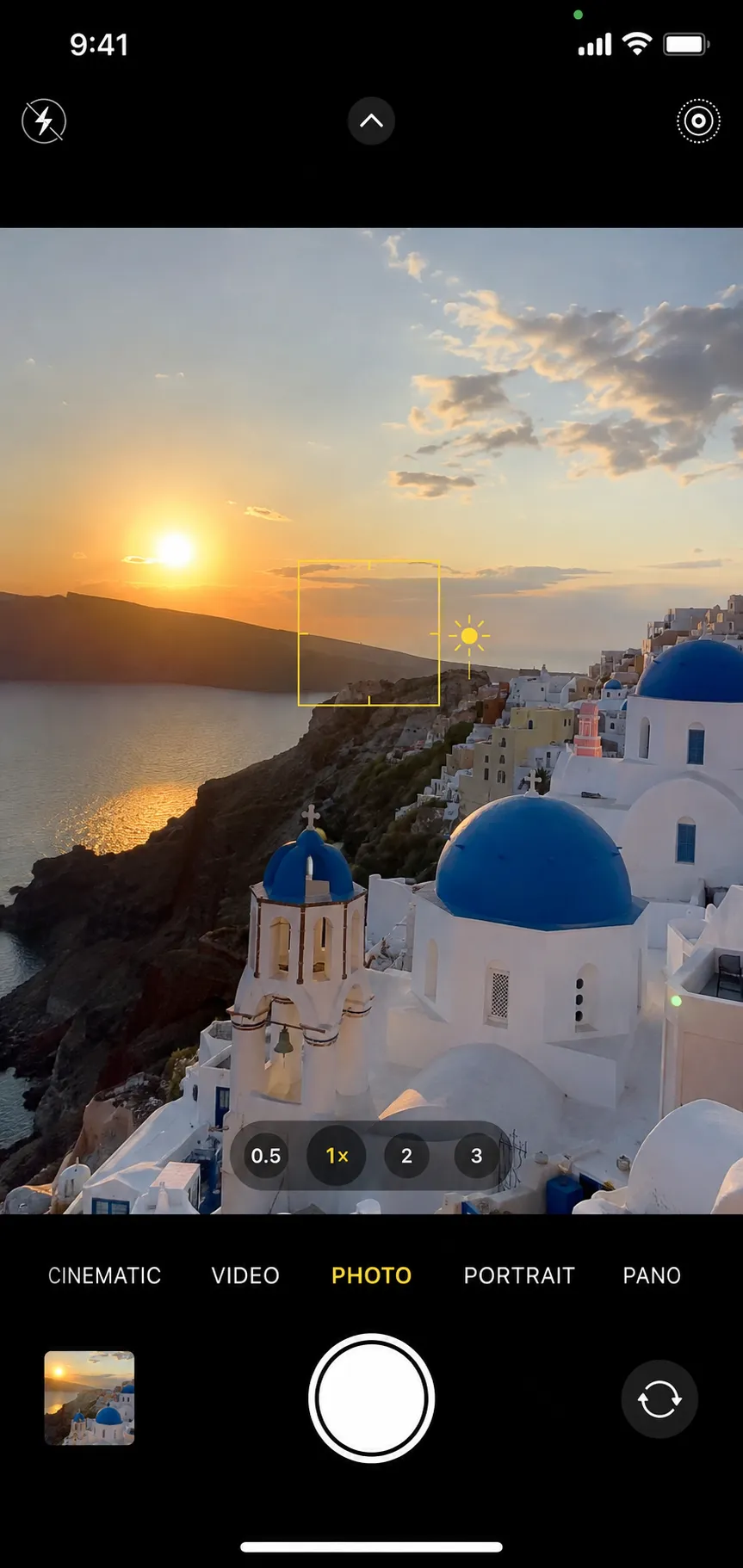
Tap the subject that matters most
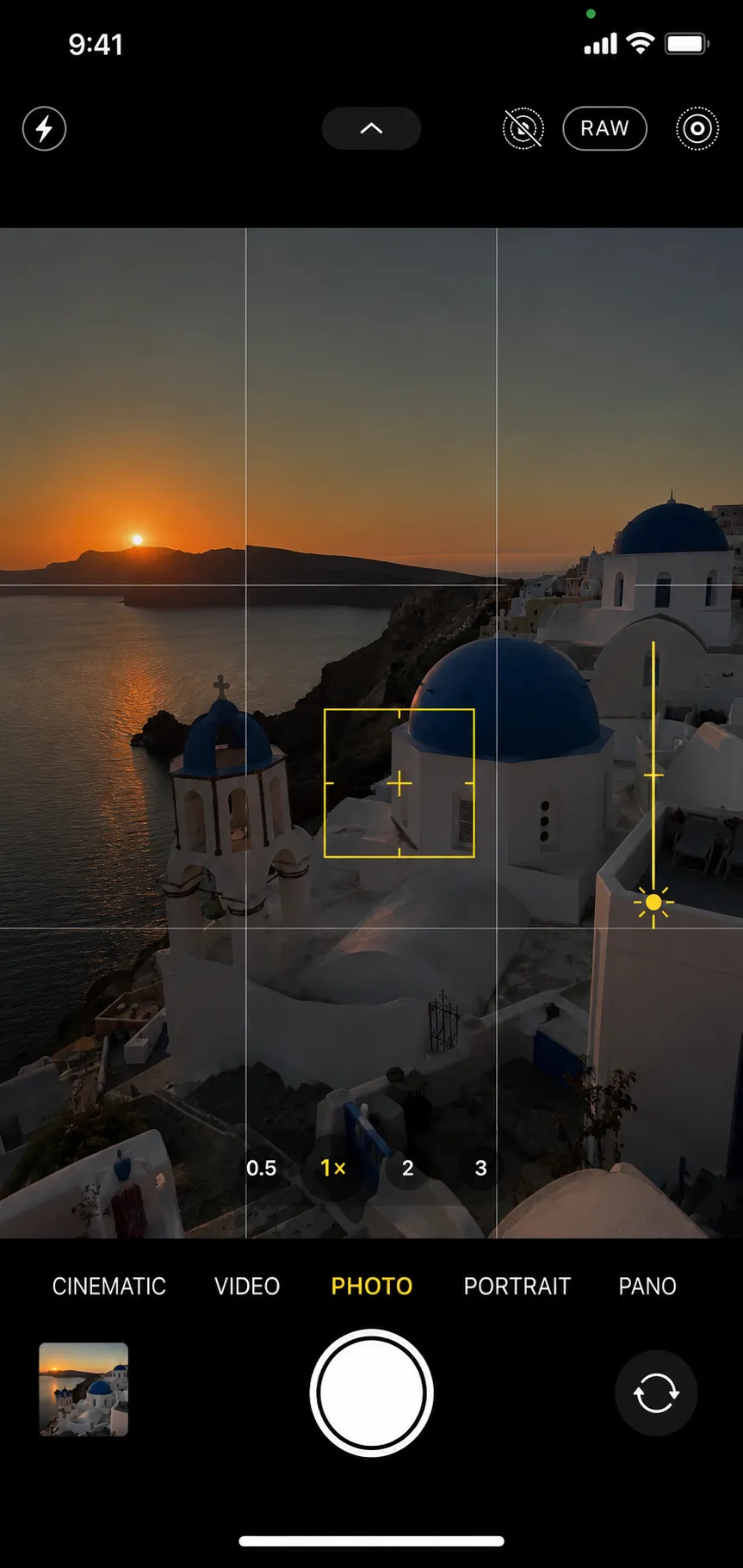
Drag the sun down to protect bright detail
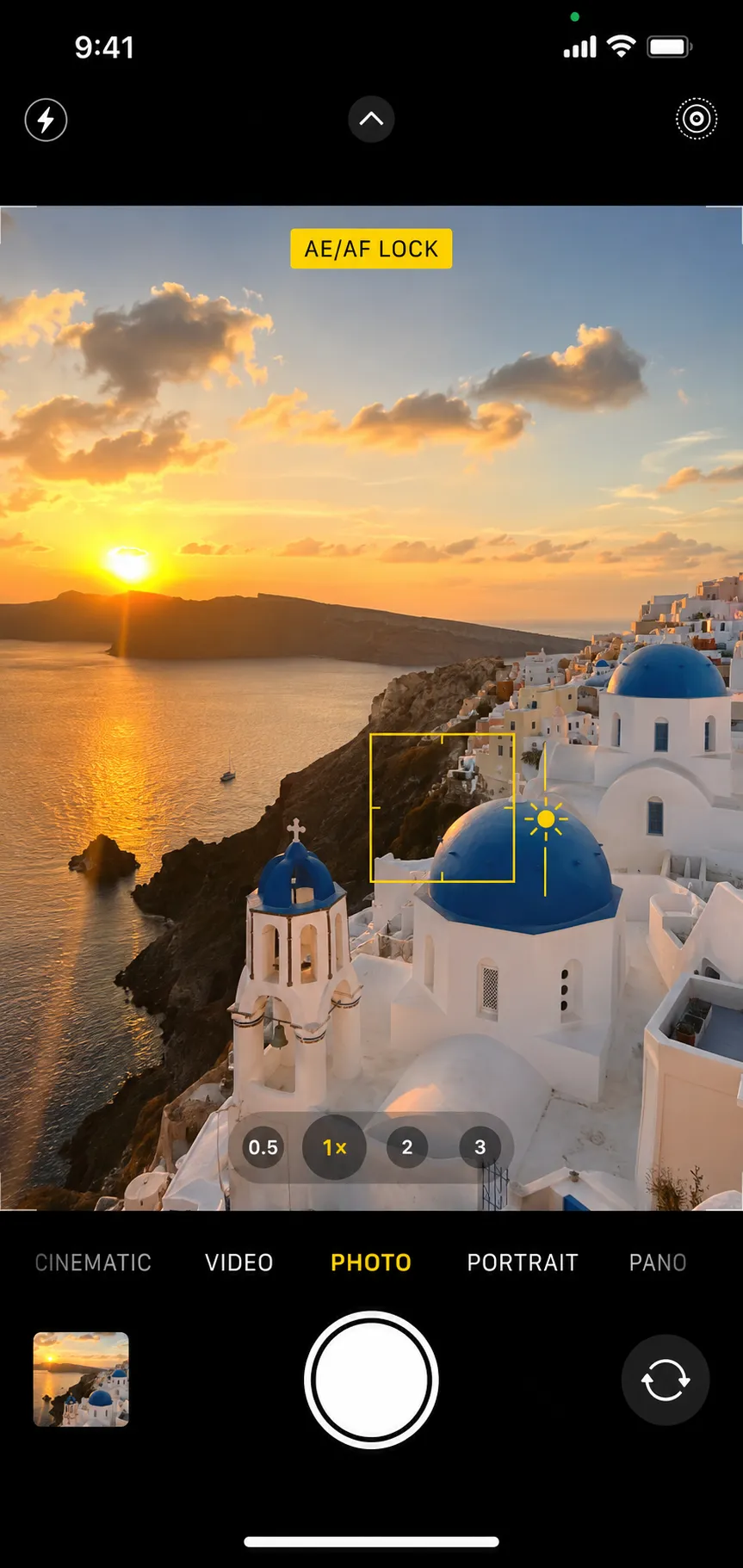
Use AE/AF Lock for consistent framing
Check the sky and skin before shooting
Quick answer
In the iPhone Camera app, tap the important subject and drag the sun icon down to reduce exposure or up to brighten it. Press and hold to enable AE/AF Lock when you want focus and exposure to stay fixed while recomposing.
Tap to focus and set the metering point
Open Camera and tap the main subject. The yellow focus box also tells the iPhone which part of the scene should guide exposure. Tapping a dark face may brighten the background, while tapping a bright sky may darken the face.
Choose the area that must retain detail, then fine-tune brightness with the sun control rather than accepting the first automatic reading.
Drag the sun slider to protect highlights
After tapping, drag the sun icon downward until important bright areas show color or texture. This is especially useful for sunsets, pale clothing, snow, beaches, and window light.
A slightly darker capture is often safer than a clipped one because shadow detail may be lifted later. Do not darken so far that faces become noisy silhouettes.
Keep exposure stable with AE/AF Lock
Press and hold the subject until AE/AF Lock appears. The iPhone keeps the selected focus and exposure while you adjust the composition. Drag the sun after locking if the scene still needs a brightness change.
Locking is useful for portraits, products, and repeated frames in steady light. Tap elsewhere to release the lock when the subject or lighting changes.
Why the camera overexposes some scenes
Automatic metering tries to make the frame average to a midtone, which fails when the scene is not average. A dark subject against a bright window can push the camera to brighten everything, while snow, sand, and strong backlight can drive highlights past the point where detail survives.
The sun slider is the fastest correction, but it does not replace reading the scene. When one part of the frame is much brighter than the rest, decide which area must keep detail and meter for that area before you shoot.
Frequently asked questions
Questions about iphone exposure
Fix excessive brightness in your own photo
Upload the original image, compare the corrected exposure, and keep the version that looks natural.
Upload a Photo