
Photography basics
Photo Exposure Explained
Understand how light becomes a photograph and how each camera setting changes both brightness and the look of the image.
Fix an Overexposed Photo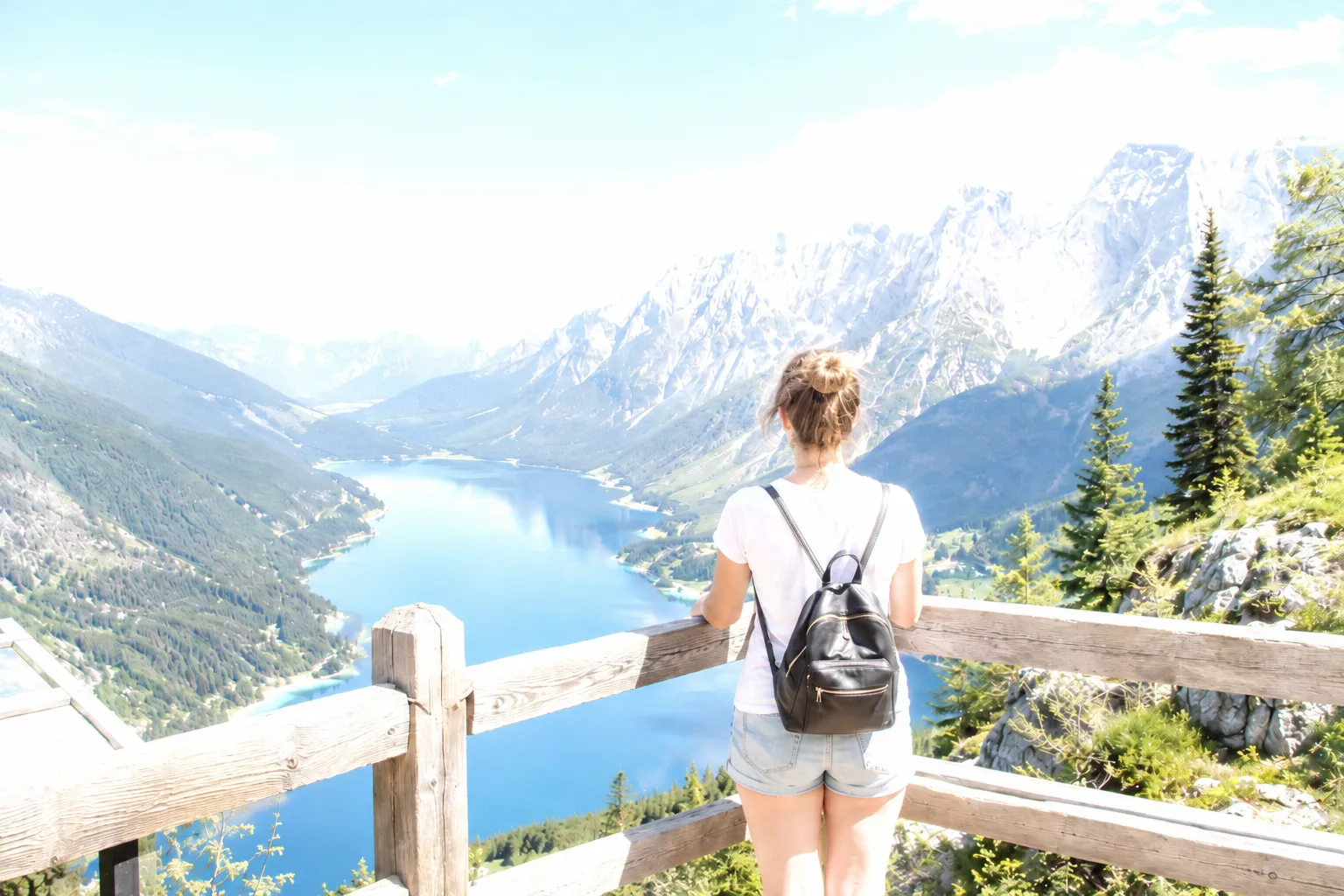
Aperture changes light and depth of field
Shutter speed changes light and motion rendering
ISO changes brightness and visible noise
Metering and histograms help evaluate the result
Quick answer
Photo exposure is the amount of light recorded by a camera. Aperture controls the opening in the lens, shutter speed controls how long light enters, and ISO controls signal amplification. A balanced exposure preserves the tones that matter for the intended photograph.
The exposure triangle is a set of tradeoffs
Aperture, shutter speed, and ISO can all change image brightness, but they do not produce identical photographs. A wider aperture reduces depth of field, a slower shutter records more motion, and a higher ISO increases noise.
Choose the creative requirement first. Set the shutter for motion or the aperture for depth, then use the remaining controls to reach a usable exposure.
Aperture controls light and depth of field
A smaller f-number means a wider opening and more light. It can also blur the background. A larger f-number admits less light and can keep more of the scene acceptably sharp.
The right aperture depends on the lens, subject distance, and intended depth rather than one universal sharpness rule.
Shutter speed controls time and motion
Fast shutter speeds freeze movement and admit less light. Slow shutter speeds brighten the frame but can blur camera shake or a moving subject. Stabilization helps with camera movement, not with motion inside the scene.
When you lower shutter speed, watch both the meter and the subject. A technically bright frame is not useful if the important detail is blurred.
ISO and exposure compensation
ISO changes how strongly the camera amplifies the captured signal. Raising it makes the preview and output brighter but can reveal more noise and reduce usable dynamic range.
Exposure compensation tells an automatic or semi-automatic mode to make the result brighter or darker. Use a negative value when important highlights are repeatedly clipping.
Use the meter, histogram, and preview together
The meter estimates a target, the preview shows the image, and the histogram summarizes tone distribution. None should be used alone. A dark night scene does not need to be centered on the meter, and a bright snow scene should not be forced to gray.
Exposure and brightness are different things
Exposure is the amount of light the camera records, decided by aperture, shutter speed, and ISO at capture time. Brightness is how light or dark the image appears on a screen or in an editor, and it can be changed afterward without recording new light.
The distinction matters when editing. Reducing brightness in software cannot restore highlight detail that exposure never recorded, which is why protecting exposure in the camera is still the first line of defense against blown highlights.
Frequently asked questions
Questions about photo exposure
Fix excessive brightness in your own photo
Upload the original image, compare the corrected exposure, and keep the version that looks natural.
Upload a Photo