
Photography concept
What Is Overexposure in Photography?
Learn what happens when a camera records too much light, how to spot lost highlight detail, and when a bright image is still intentional.
Fix an Overexposed Photo
Overexposure is an exposure error, not simply a bright style
Clipping means recorded values reached the maximum
RAW files usually hold more highlight latitude than JPEG
Intent and retained detail determine whether brightness is a problem
Quick answer
Overexposure happens when too much light reaches the camera sensor or film for the chosen settings. The result is an image that is brighter than intended, often with pale color, low contrast, or highlights that contain little or no detail.
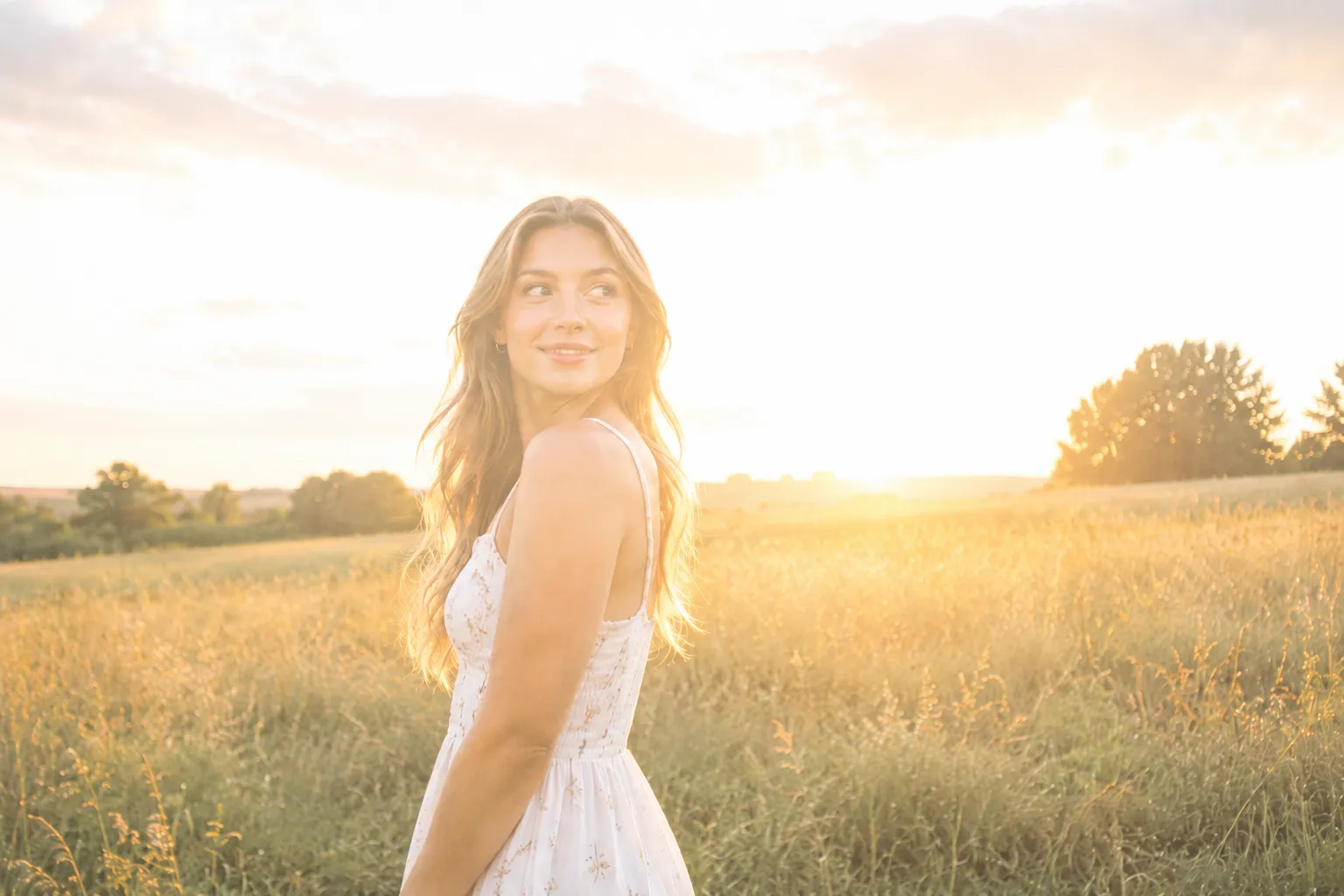
How overexposure looks in a photograph
An overexposed image may show white skies, pale skin, weak color, low contrast, or bright patches with abrupt edges. Mild overexposure can still retain detail, while severe clipping produces flat white regions.
A high-key image is not automatically overexposed. Bright creative work can preserve intentional tonal relationships and important detail even when most of the histogram sits to the right.
What causes too much exposure
Exposure is controlled by shutter speed, aperture, ISO, and the amount of light in the scene. A slow shutter, wide aperture, high ISO, or positive exposure compensation can each make the frame brighter.
Automatic metering can also be misled by backlight, dark subjects, reflective surfaces, and flash. The camera may brighten one important area at the expense of another.
- Shutter stays open too long
- Aperture admits more light than the scene needs
- ISO or exposure compensation is set too high
- Flash is too strong or too close
- The meter prioritizes a dark subject over bright highlights
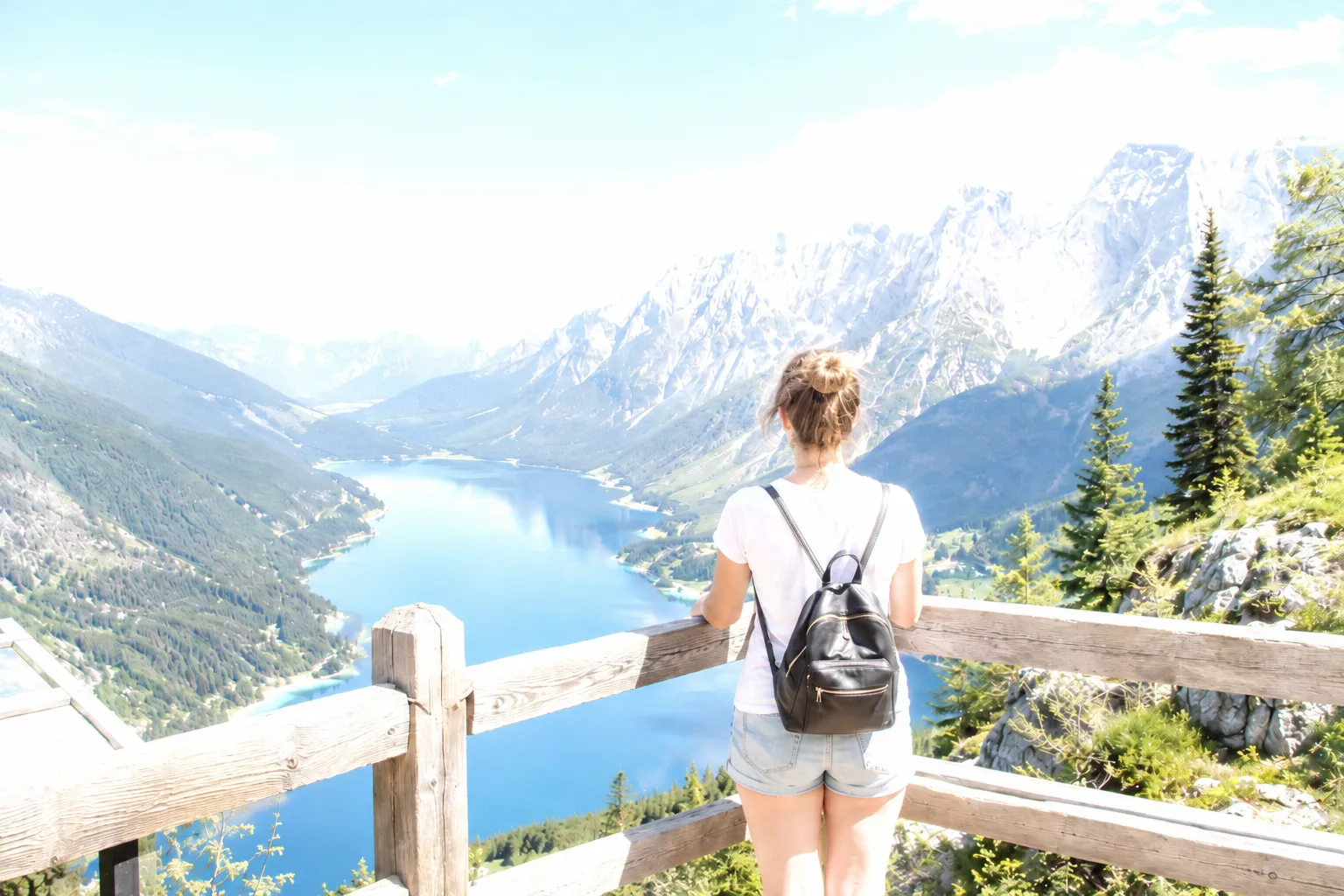
How to identify highlight clipping
Check the histogram for data pressed against the right edge and turn on highlight warnings when your camera or editor supports them. Zoom into important bright areas to see whether texture, color, or tonal separation remains.
A histogram is a guide, not a verdict. Specular reflections and the sun may clip naturally. The important question is whether the clipped area contains detail the photograph needs.
Can overexposure be corrected?
Mild and moderate overexposure can often be corrected by reducing exposure, highlights, and whites, then restoring contrast and color. Local masks help when the subject and background need different treatment.
Fully clipped pixels do not contain the original detail. A correction can improve the overall balance around them, but it should not be described as exact recovery.
How to prevent overexposure when shooting
Expose for the highlights that matter most. Use a smaller aperture, a faster shutter speed, a lower ISO, or negative exposure compensation to reduce light, and check the histogram before leaving the scene. Turn on highlight warnings so clipped areas are obvious at capture time.
When the scene has both very bright and very dark areas, bias toward protecting the highlights. Slightly dark shadows can often be lifted later, while fully clipped highlights usually cannot be recovered.
- Turn on highlight warnings in the camera or app
- Use negative exposure compensation for bright scenes
- Review the histogram, not just the preview
- Shoot RAW for the widest highlight latitude
Frequently asked questions
Questions about overexposure
Fix excessive brightness in your own photo
Upload the original image, compare the corrected exposure, and keep the version that looks natural.
Upload a Photo