
Film photography guide
Overexposed Film Explained
Identify dense negatives, pale scans, and blown instant-film highlights, then separate exposure problems from scanning problems.
Fix an Overexposed Photo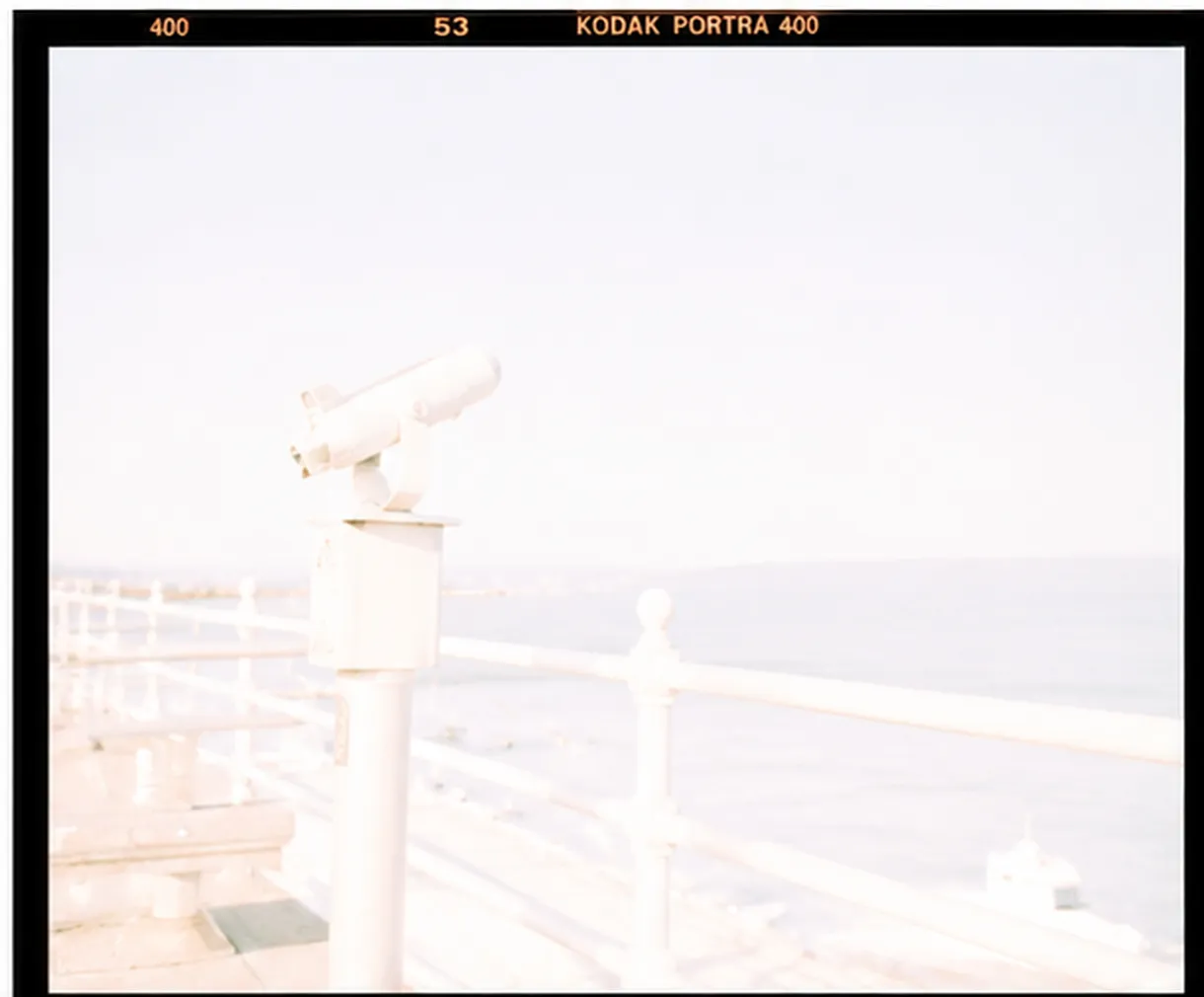
Negative film often tolerates extra exposure better than slide film
A dense negative is different from a pale positive scan
Scanner settings can exaggerate a bright result
Instant film offers limited highlight recovery
Quick answer
Overexposed negative film usually creates a dense negative that can still hold printable or scannable detail, depending on the stock and severity. Overexposed slide and instant film have less latitude and may show permanently pale or blank highlights.
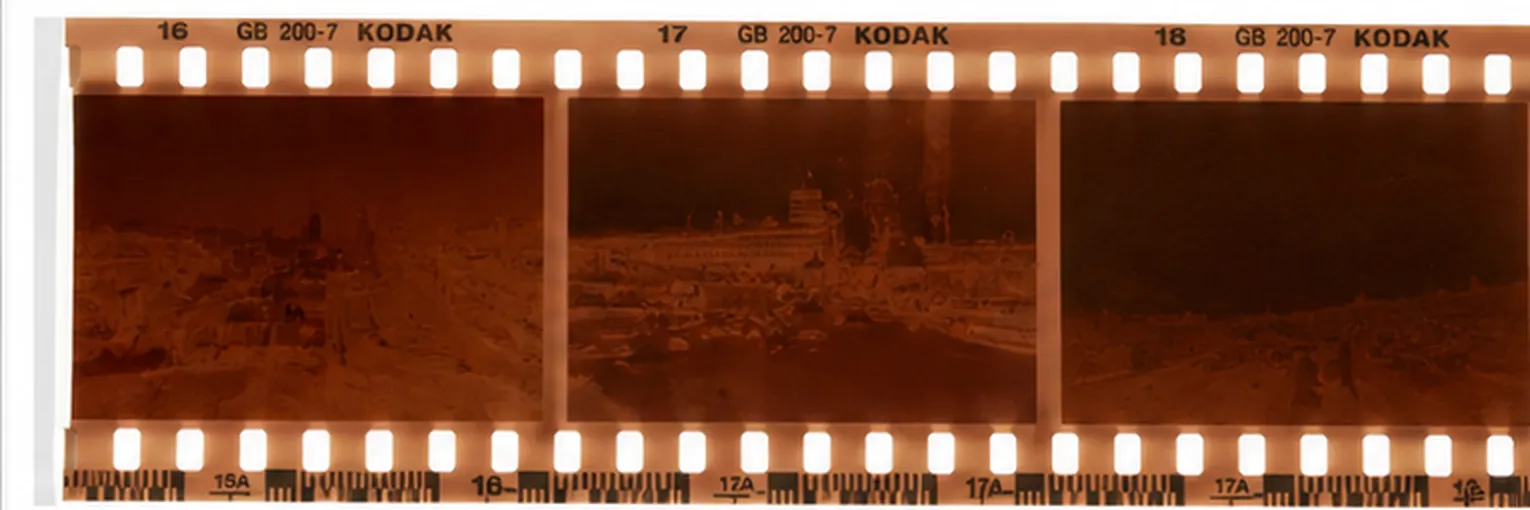
How overexposure appears on negative film
On color or black-and-white negative film, extra exposure creates more density. The strip looks darker or thicker in exposed areas because more silver or dye formed during development. A scan may then look pale, low-contrast, or color-shifted if the scanner struggles with that density.
Moderate overexposure can be usable and is sometimes intentional. Severe density increases grain visibility, color shifts, scan difficulty, and the risk of compressed highlights.
Negative, slide, and instant film respond differently
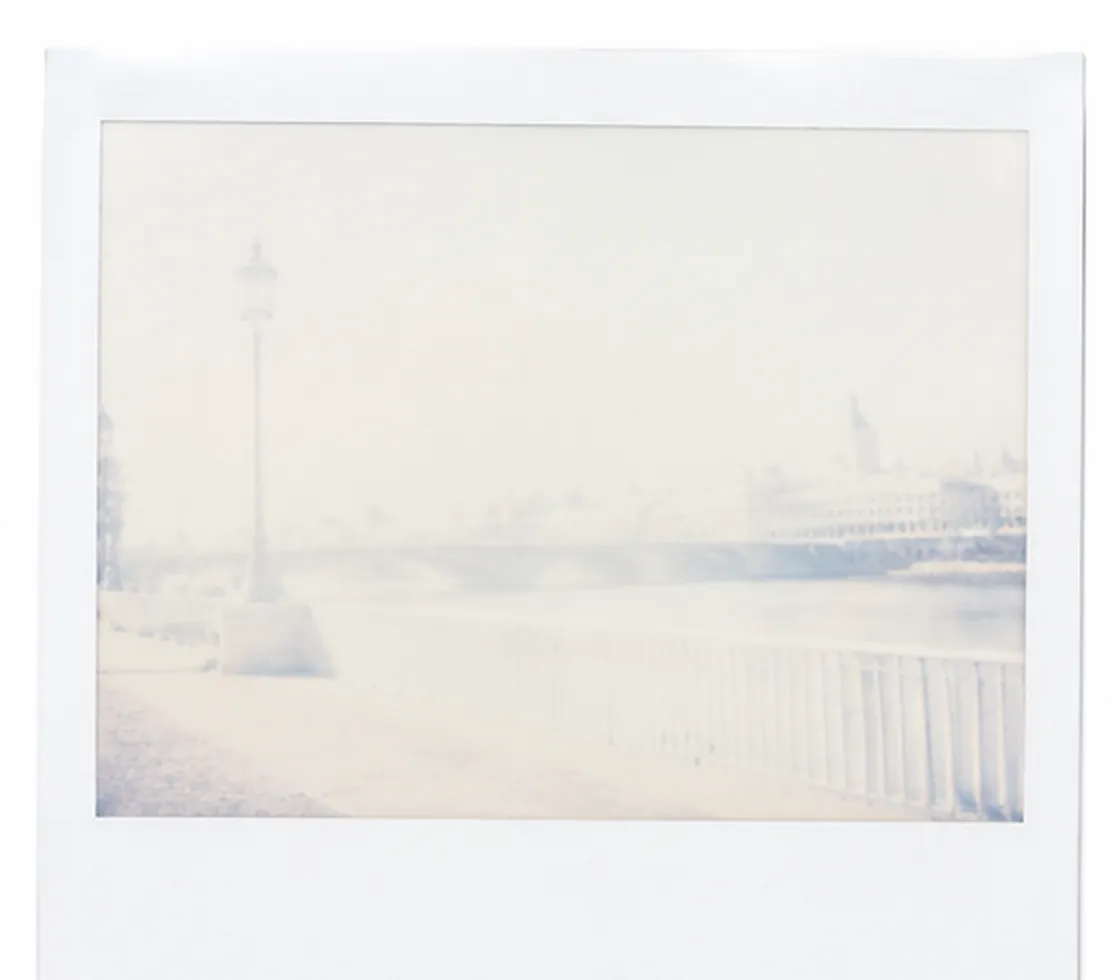
Color negative film usually has generous highlight latitude. Slide film has a narrower exposure window and clipped highlights are harder to correct. Instax and Polaroid create a direct positive, so excessive light often produces pale or blank regions with little editing latitude.
Always identify the film process before judging the frame. Advice for a dense color negative does not transfer directly to transparency or instant film.
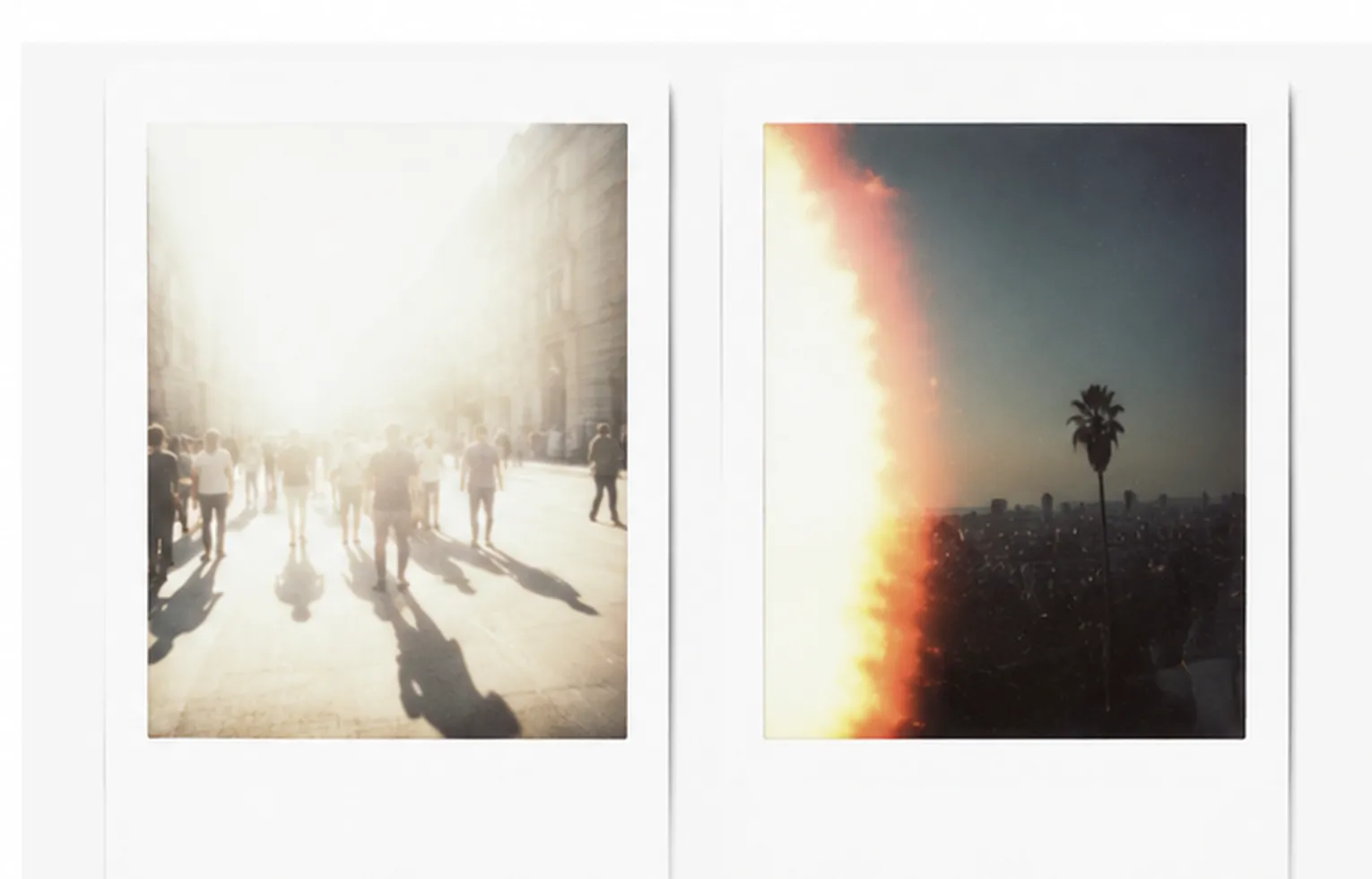
Overexposure versus a light leak
Overexposure often affects the full frame or follows the scene brightness. A light leak commonly enters from an edge, creates irregular red, orange, or white shapes, and may repeat in a similar position across several frames.
Check the negative strip and neighboring frames. A repeated edge pattern points toward a camera seal or handling problem rather than metering alone.
What can be fixed in a scan
Ask for a high-bit-depth scan with conservative highlight handling. Set black and white points carefully, correct the color cast, and add contrast only after the tonal range is visible. A second scan can outperform aggressive editing of a clipped JPEG.
If the scan still contains texture, the online fixer can improve brightness and tonal balance. It cannot restore emulsion detail that was lost during exposure or development.
Overexposed Polaroid and Instax photos
Instant film exposes a direct positive, so extra light usually produces pale, low-contrast frames with little editing latitude. On Instax cameras, the exposure control, flash setting, and lighten-darken dial have the largest effect, and shooting toward strong light can wash out the whole frame.
A washed out instant print can sometimes be improved by scanning it and correcting the scan, but the physical print itself cannot be re-exposed. Focus on getting the next frame right by reducing the lighten setting and avoiding direct light sources behind the subject.
Frequently asked questions
Questions about overexposed film
Fix excessive brightness in your own photo
Upload the original image, compare the corrected exposure, and keep the version that looks natural.
Upload a Photo