
Photo problem
How to Fix a Picture That Is Too Bright
Upload a bright picture, correct its exposure, and compare the result without learning manual photo-editing controls.
Fix This Photo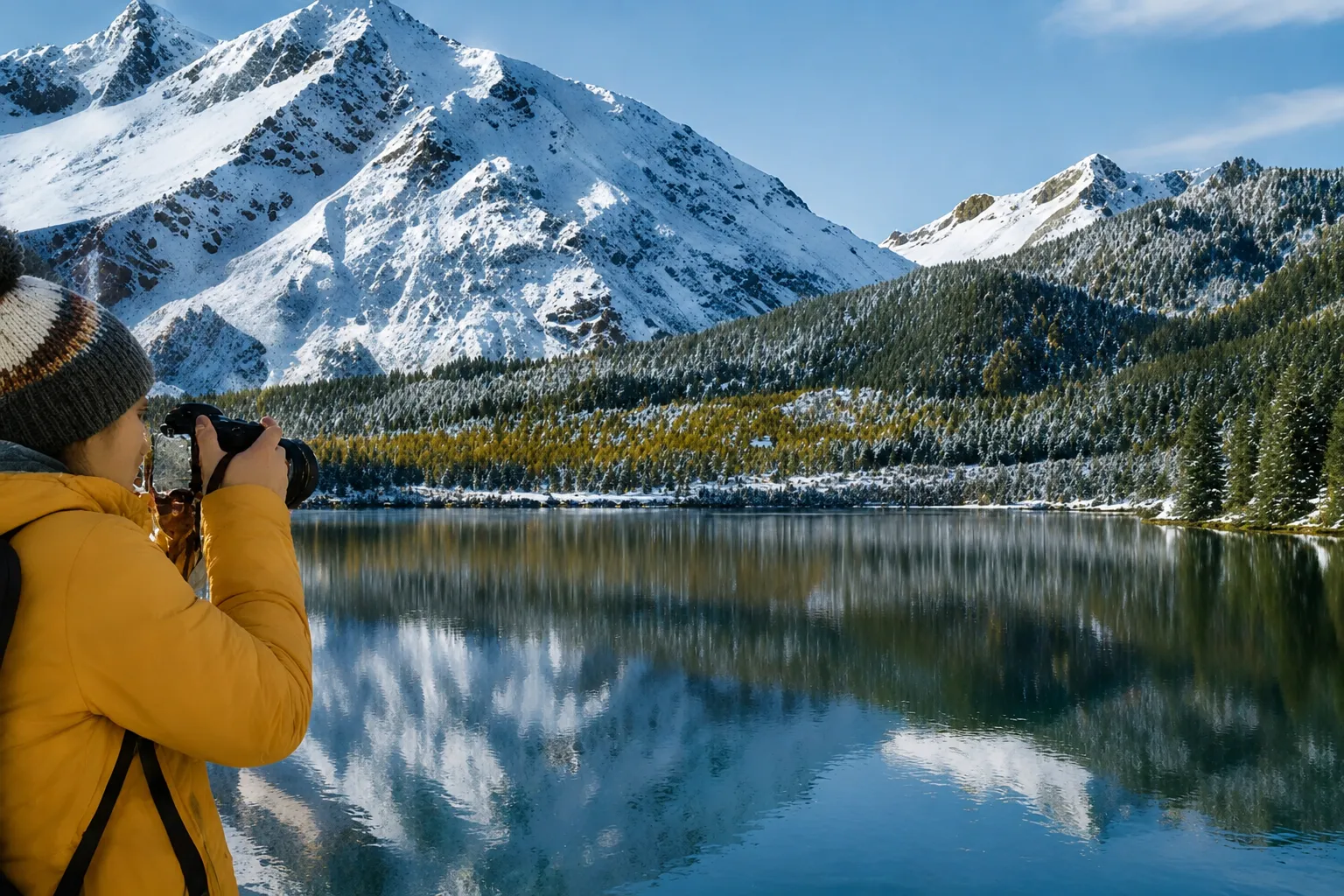
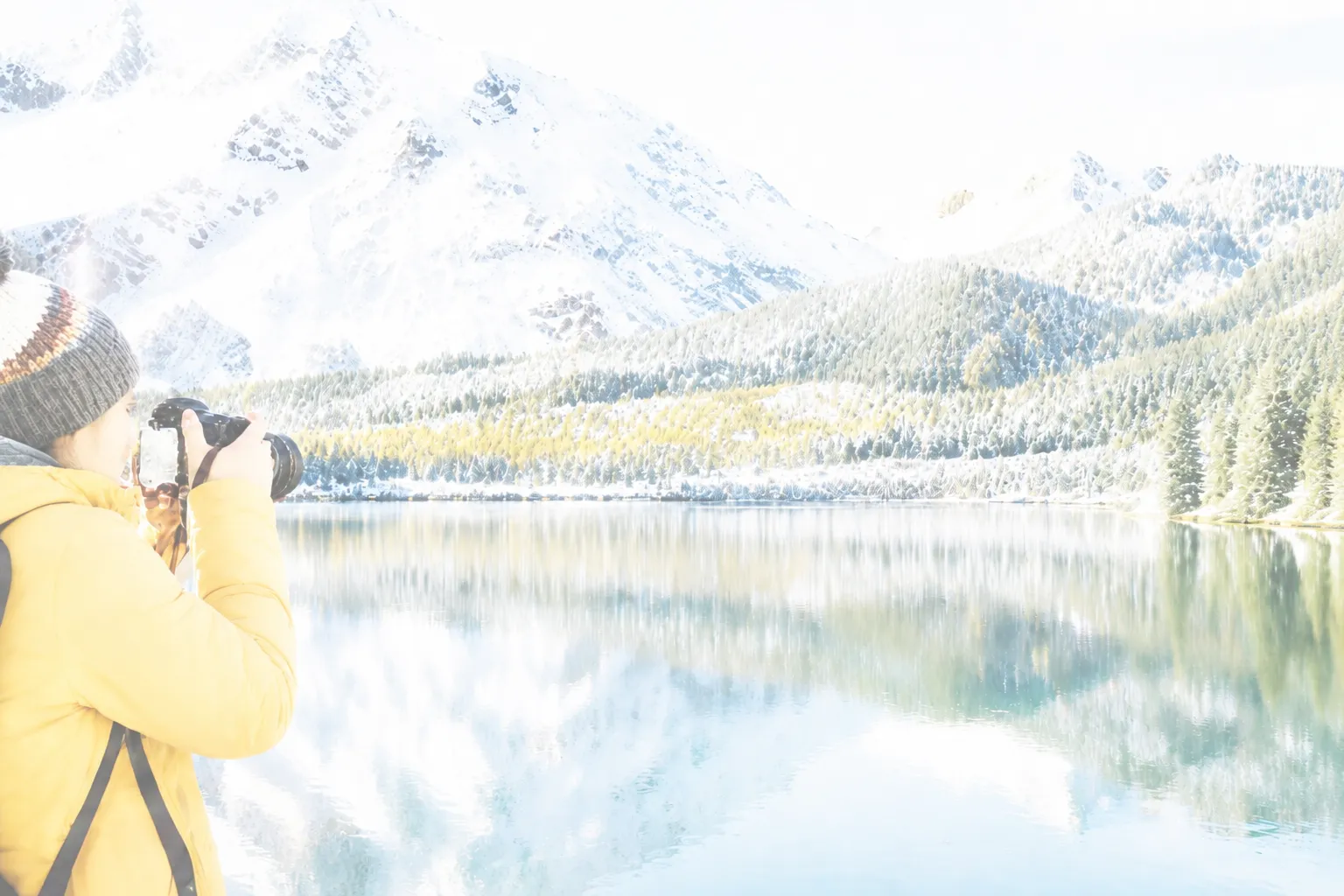
One-click correction for overly bright pictures
Balances highlights, midtones, and shadow detail
Useful for snow, beach, flash, and sunny scenes
No manual curves or masks required
Quick answer
If a picture is too bright, lower the exposure and highlights first, then check faces, sky, and pale objects for lost detail. Avoid simply darkening the whole image, because that can make shadows muddy while the brightest areas remain flat.
Start with 30 free credits. No payment required.
Upload Overexposed Photos
Drag and drop photos here, or click to browse
Supports JPG, JPEG, PNG and WebP · Upload one or multiple photos
The fastest way to darken a bright picture correctly
Use the upload tool below and start with the original image. The correction analyzes the whole scene instead of applying one flat darkening adjustment. That helps keep the subject readable while the brightest parts move back toward a normal range.
After processing, inspect the comparison at the face, sky, snow, white clothing, and reflections. Those areas reveal whether the correction is balanced.
- Upload the largest available version of the photo
- Run the AI exposure correction
- Compare important highlights and faces
- Download the corrected copy while keeping the original
Brightness, exposure, and highlights are different controls
Exposure changes the overall light level. Highlights target the brighter tonal range. A brightness control often shifts a broad part of the image and can produce a dull result when used alone.
A good correction usually combines these adjustments in different amounts. It also protects color and contrast so the photo does not turn gray.
Bright scenes that often need correction
Snow, sand, water, windows, pale interiors, and direct flash can all push important areas too bright. Phone cameras may also increase exposure when a dark subject occupies the center of the frame.
For future shots, tap the most important subject and lower exposure slightly before pressing the shutter. On iPhone, drag the sun icon down after focusing.
Frequently asked questions
Questions about how to fix a picture that is too bright
Fix excessive brightness in your own photo
Upload the original image, compare the corrected exposure, and keep the version that looks natural.
Upload a Photo